






Play
Start with familiar songs and playful drills. Find a comfortable speed and make music.
 Piano Quest

A real piano. A little practice. A world of adventure.
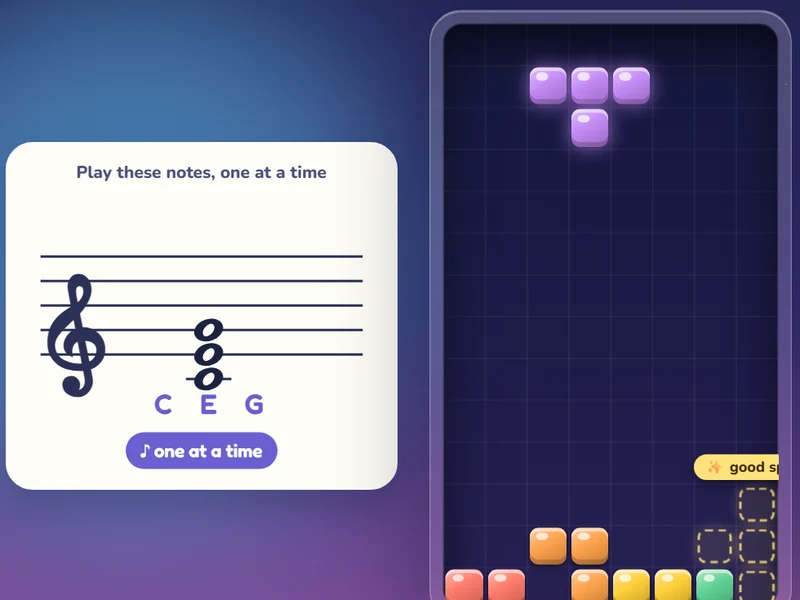
Stand an iPad on the music stand and pick a song or a game. Play your real piano and Piano Quest hears every note through the microphone. No cables, nothing to install.
Save a tower, climb a mountain, take flight, build a skyline, defend a garden, or stack falling blocks. Every accurate note moves your adventure forward.
Play games
 ♪ 30 levels3 speeds
Start with familiar songs and playful drills. Find a comfortable speed and make music.
Missed a note? Find the next one and keep playing. Replay a level whenever you like.
Ten songs to start. Clear one and the next pops open.